





What is a FOOM Wallet?
A FOOM wallet is a digital interface that allows you to securely store, send, and receive FOOM tokens on the EVM (Ethereum Virtual Machine) blockchain. Because FOOM operates within the EVM ecosystem, it relies on the same robust infrastructure that powers Ethereum, BNB Chain, and Polygon. FOOM is a cryptocurrency asset that can be securely stored and managed using Bitget Wallet. It is part of the broader Web3 ecosystem, allowing users to explore and interact with decentralized applications.
Download Bitget FOOM Wallet
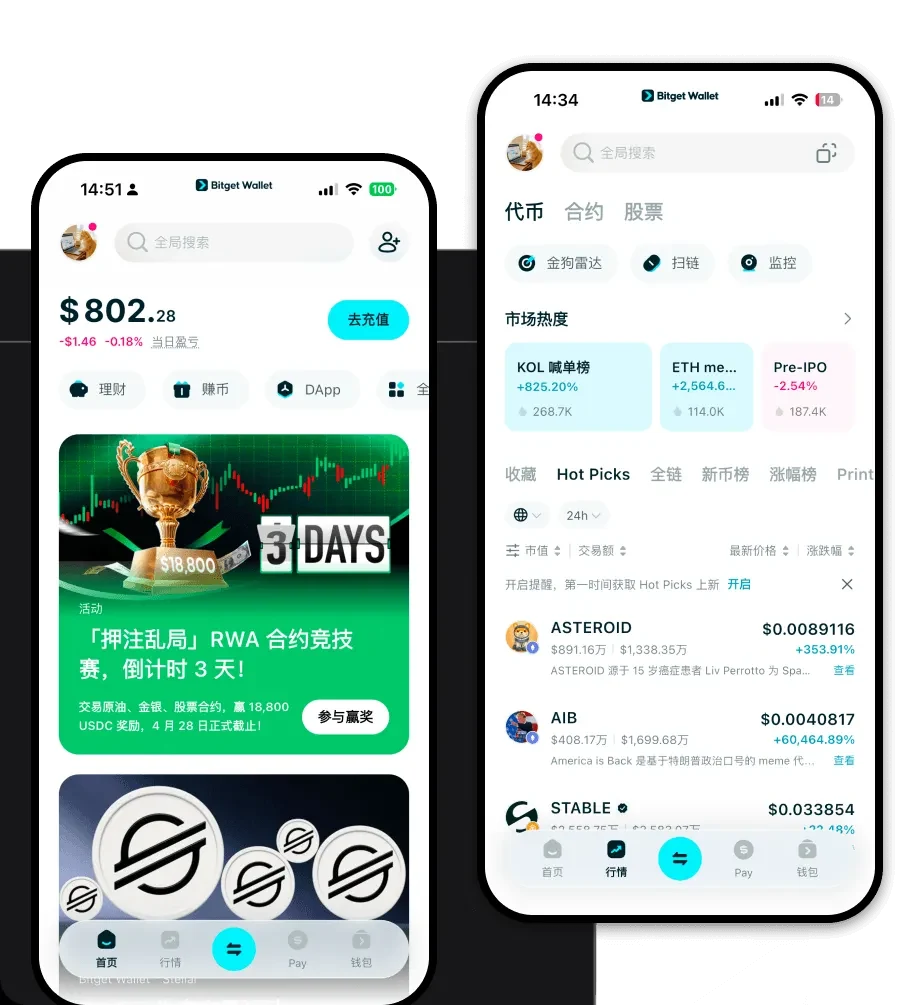
Choosing the right tool is essential for managing meme tokens effectively. The Bitget Wallet offers a seamless, non-custodial experience that puts you in full control of your private keys. Whether you are looking for a mobile app or a desktop browser extension, this platform provides a unified interface for all your assets. To get started, you can download Bitget Wallet across iOS, Android, or as a Chrome extension. It is designed to be the best wallet for FOOM, offering multi-chain support that ensures you can manage your assets alongside other tokens across over 130 public chains without switching apps.
Why Choose Bitget FOOM Wallet?
Managing a meme token like FOOM requires a wallet that is as dynamic as the market itself. Bitget Wallet stands out for several key reasons:EVM Ecosystem Optimization: Bitget Wallet is built with deep EVM integration, ensuring that gas fee estimation is accurate and transactions are processed smoothly, which is critical for high-volatility assets.Advanced Decentralized Trading: The wallet features a built-in DEX aggregator, allowing you to swap tokens at the best available market rates directly within the app.Enhanced Asset Security: With a $300 million user protection fund, Bitget Wallet provides an extra layer of security, giving you peace of mind when holding speculative assets.DApp Browser Connectivity: Easily connect to decentralized finance platforms and NFT marketplaces to interact with the broader ecosystem directly from your wallet interface.
How to Create a FOOM Wallet
Setting up your wallet is a straightforward process that takes only a few minutes. Follow these steps:1. Download and install the Bitget Wallet app from the official store or website.2. Open the app and select 'Create a Wallet' to generate a new set of private keys.3. Back up your mnemonic phrase (seed phrase) in a secure, offline location; never share this with anyone.4. Set a strong password or biometric authentication to protect your wallet access on your device.5. Once created, go to the asset management section, click 'Add Token', and import the FOOM contract address to see your balance.
What Can You Do With a FOOM Wallet?
Owning a wallet for FOOM opens up a wide array of activities within the Web3 space. Here is how you can utilize your assets effectively:Trading: You can actively trade FOOM against other tokens using the wallet's integrated decentralized exchange features to capture market movements.Speculative Investment: Many users utilize their wallet to hold FOOM as a speculative investment, tracking its performance and market trends within the app's dashboard.Holding: Securely store your FOOM tokens for the long term, knowing that your private keys are held solely by you and protected by the wallet's security protocols.Community Participation: Use your wallet to connect with community-driven decentralized applications, such as voting in governance proposals or participating in exclusive meme-token ecosystem rewards.
How FOOM Wallets Are Different from Other Crypto Wallets
Unlike simple exchange accounts, a specialized FOOM wallet like Bitget is designed for the nuances of the EVM ecosystem. While some wallets are built for UTXO-based chains like Bitcoin, which prioritize simple transaction chains, EVM-compatible wallets must manage complex smart contract interactions. This means your FOOM wallet is optimized for gas management—allowing you to adjust fees to ensure transactions are prioritized during network congestion. Furthermore, while some legacy wallets are cumbersome, Bitget provides an intuitive interface that simplifies the complexity of interacting with meme tokens, ensuring that you can navigate high-volatility environments with speed and efficiency.
